Wheel settings Pro
This dialog changes how the wheel, the aspect grid and the dial look. Tables and calculations stay the same. Settings are stored in this browser.
Open it
In Pro mode there's a tab bar above the wheel. Click the gear button, “Customize wheel”, on the right.
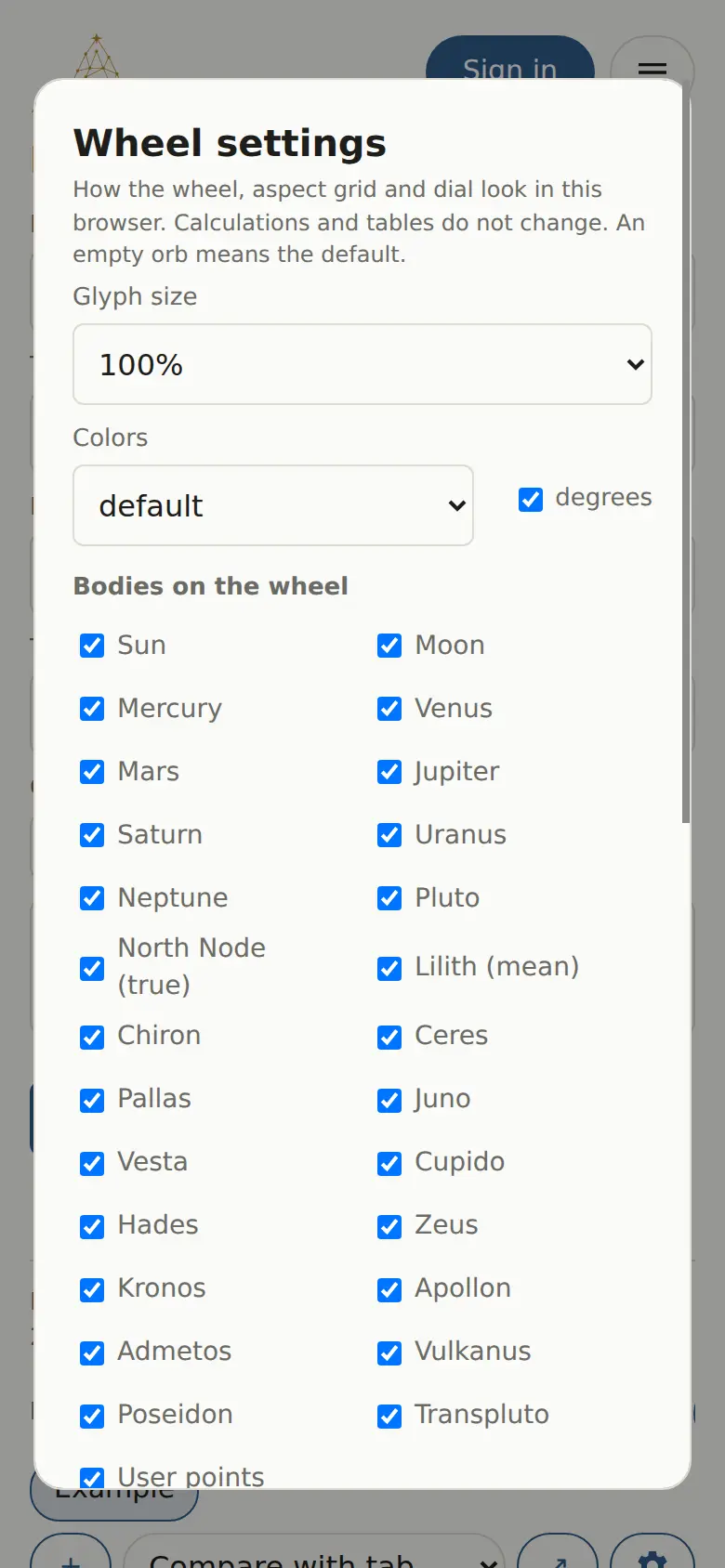
What you can change
| Setting | Options |
|---|---|
| Glyph size | 80%, 100%, 120%, 140% |
| Colors | “default”, “black and white” (for printing), “dark” |
| degrees | Show the degree next to each planet glyph |
| Bodies on the wheel | Checkboxes for planets, node, Lilith, Chiron, asteroids, Uranians and custom points |
| Aspects | For each aspect: on or off, your own orb in degrees, line color |
An empty orb means the default. A smaller orb leaves only tighter aspects on the wheel. Forecast rings use a 1° orb by default, and you can only make it smaller.
“Reset” puts everything back; “Done” closes the dialog.
These settings stay on this device and aren't synced through your profile. Repeat them on your other devices if you want the same wheel everywhere.